☎ +264 81 856 5724✉ admin@ploutostraining.com
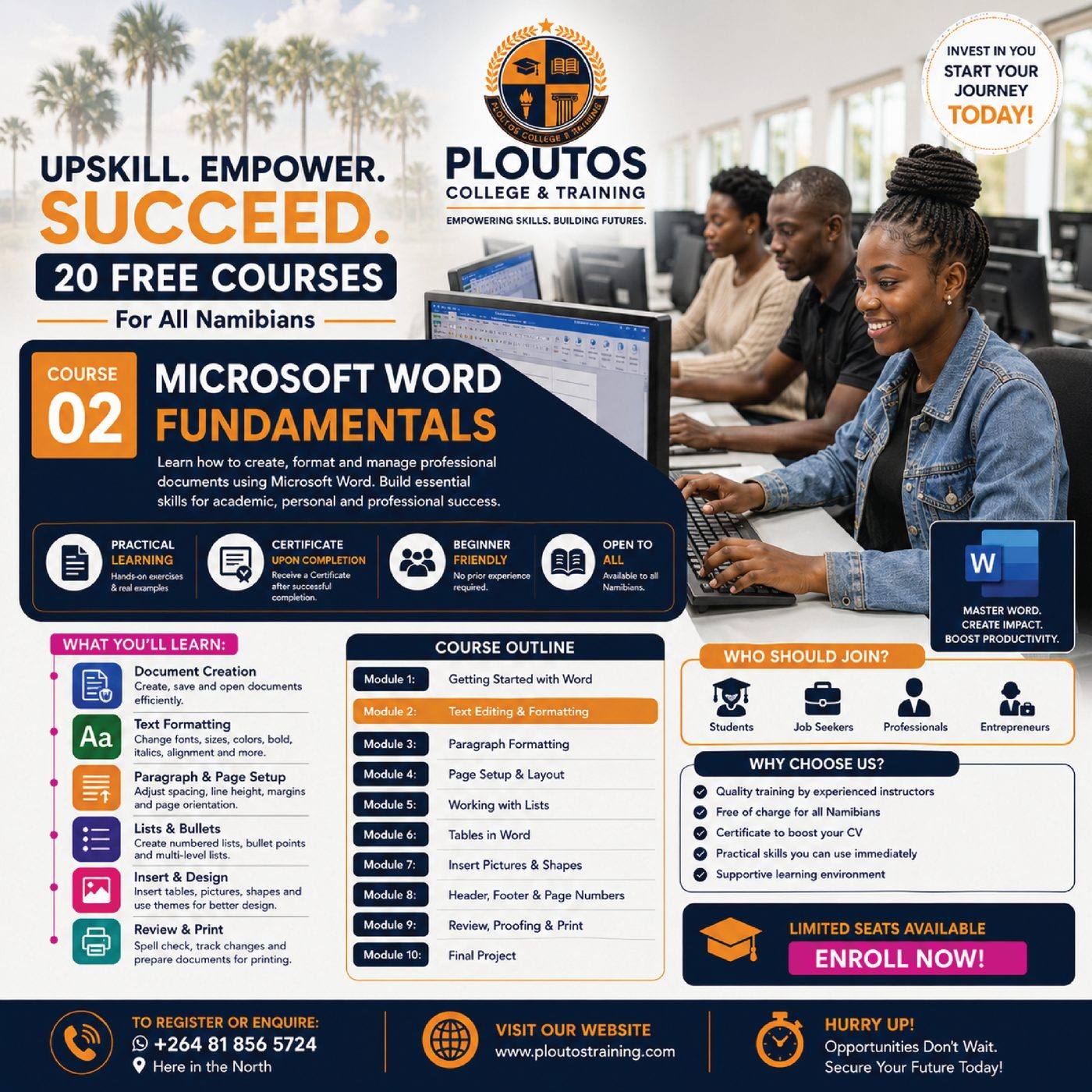
20 Free CoursesFor All Namibians
PCT-FSC-002 · Free Skills Course · School of Digital Skills & Computing

Microsoft Word Fundamentals

Learn how to create, format, review and prepare professional documents in Microsoft Word for academic, personal and workplace use.
2 Weeks DurationBeginner LevelOnline / Self-Paced FormatCertificate of Completion Award
Microsoft Word Fundamentals
Course overview

Learn how to create, format, review and prepare professional documents in Microsoft Word for academic, personal and workplace use.

What you will learn

  • Create and save Word documents
  • Format text and paragraphs
  • Control page layout
  • Use tables and images
  • Review, proofread and print documents

Learning Outcomes

  • Create and save Word documents
  • Format text and paragraphs
  • Control page layout
  • Use tables and images
  • Review, proofread and print documents

Programme Information

  • Programme type: Free Skills Course
  • Course code: PCT-FSC-002
  • Study load: Self-paced
  • Award: Certificate of Completion

Open enrolment. A once-off registration fee may apply according to current Ploutos policy.

Curriculum

6 Structured Lessons

1

Getting Started with Word

30–60 minutes

🔒 Enrol to unlock
2

Text Editing & Formatting

30–60 minutes

🔒 Enrol to unlock
3

Paragraph Formatting

30–60 minutes

🔒 Enrol to unlock
4

Page Setup & Layout

30–60 minutes

🔒 Enrol to unlock
5

Tables, Pictures & Design

30–60 minutes

🔒 Enrol to unlock
6

Review, Proofing & Print

30–60 minutes

🔒 Enrol to unlock