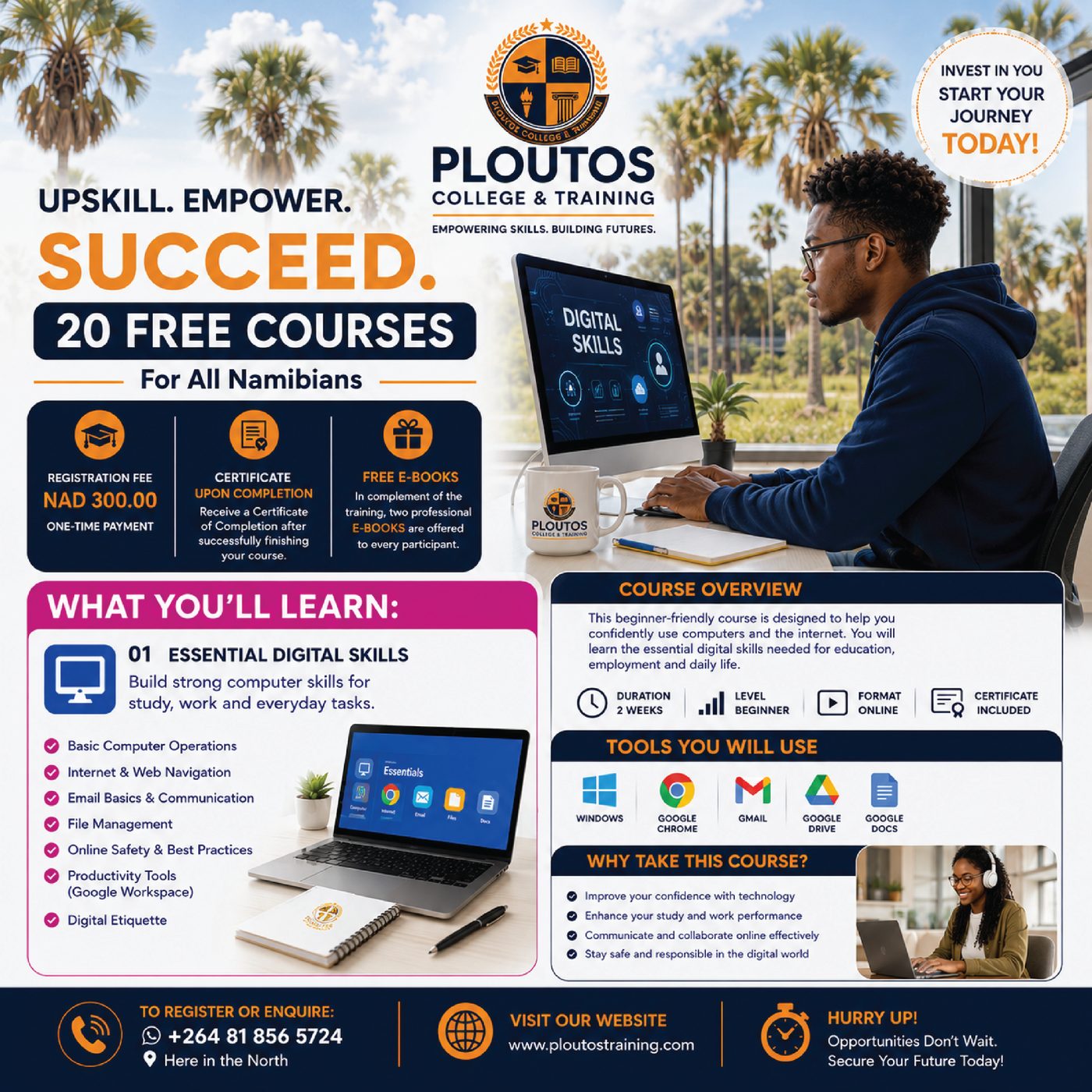
Course 1
Basic Computer Skills
Build confidence using a computer for study, work and everyday tasks. Learn hardware basics, Windows navigation, file management, productivity tools, internet use and safe digital habits.
View course
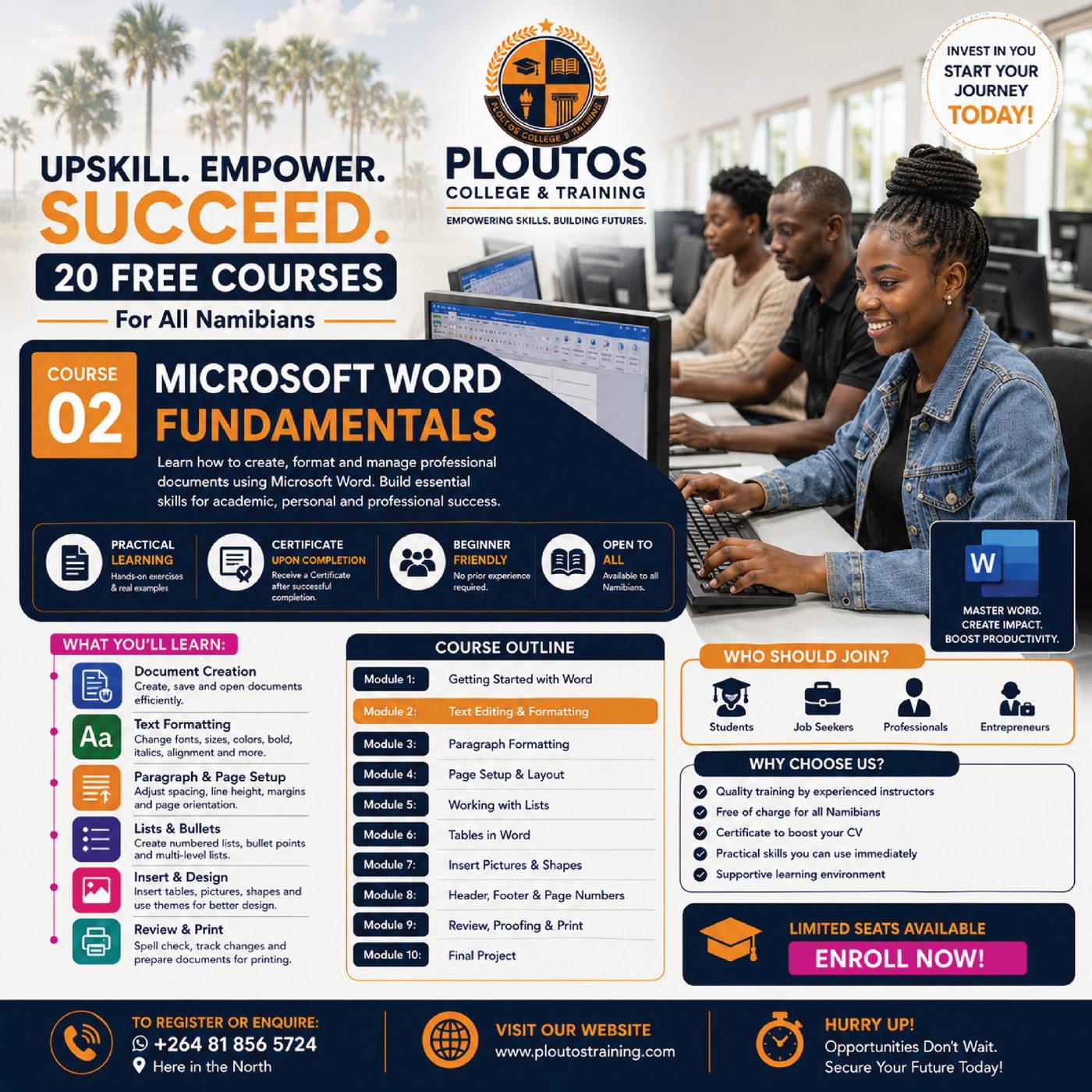
Course 1
Build confidence using a computer for study, work and everyday tasks. Learn hardware basics, Windows navigation, file management, productivity tools, internet use and safe digital habits.
View course
Course 2
Learn how to create, format, review and prepare professional documents in Microsoft Word for academic, personal and workplace use.
View course
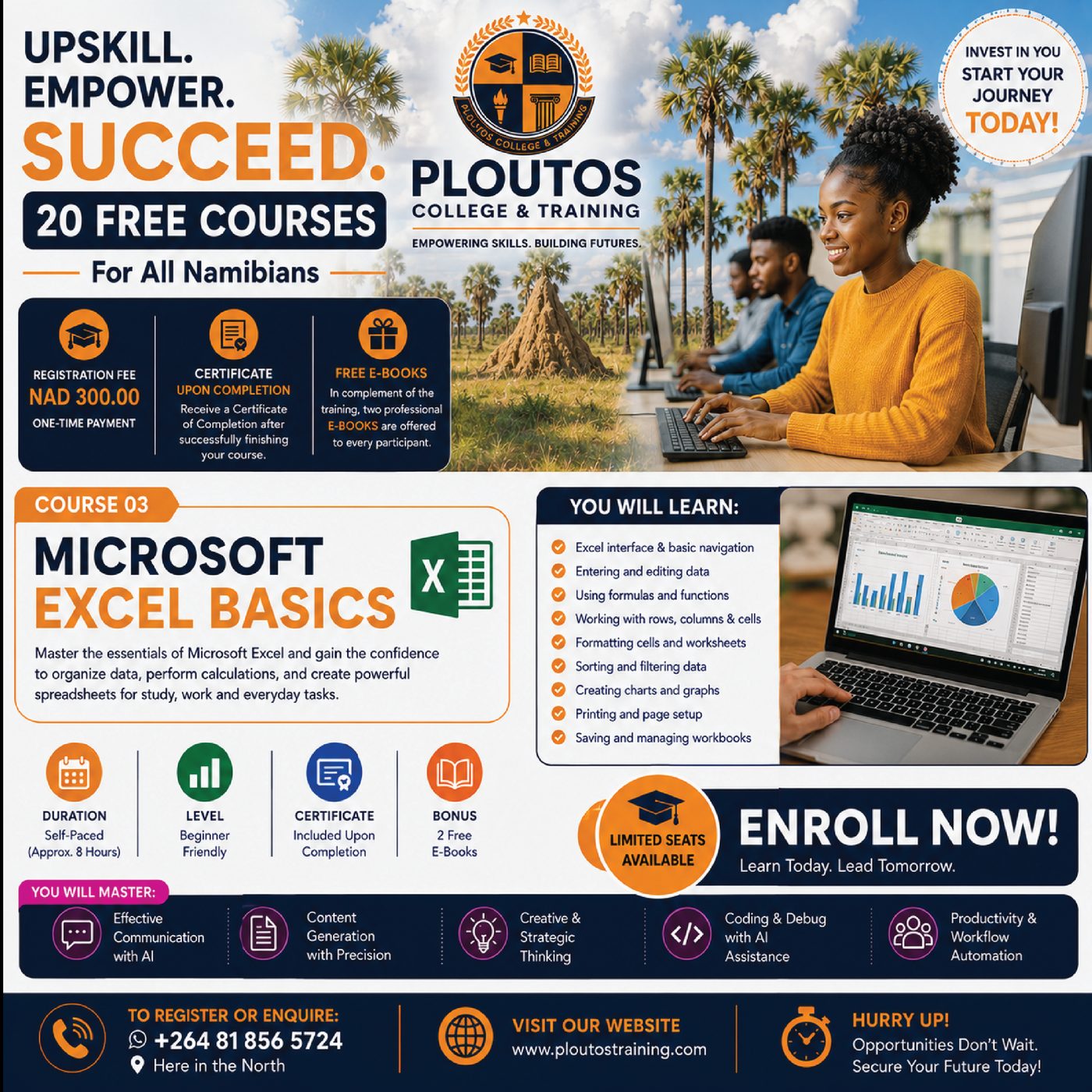
Course 3
Master the essentials of Microsoft Excel and gain confidence organising data, performing calculations, sorting information and creating charts.
View course
Course 4
Create clear, professional and engaging presentations using Microsoft PowerPoint. Learn slide planning, visual design, media, transitions and delivery techniques.
View course
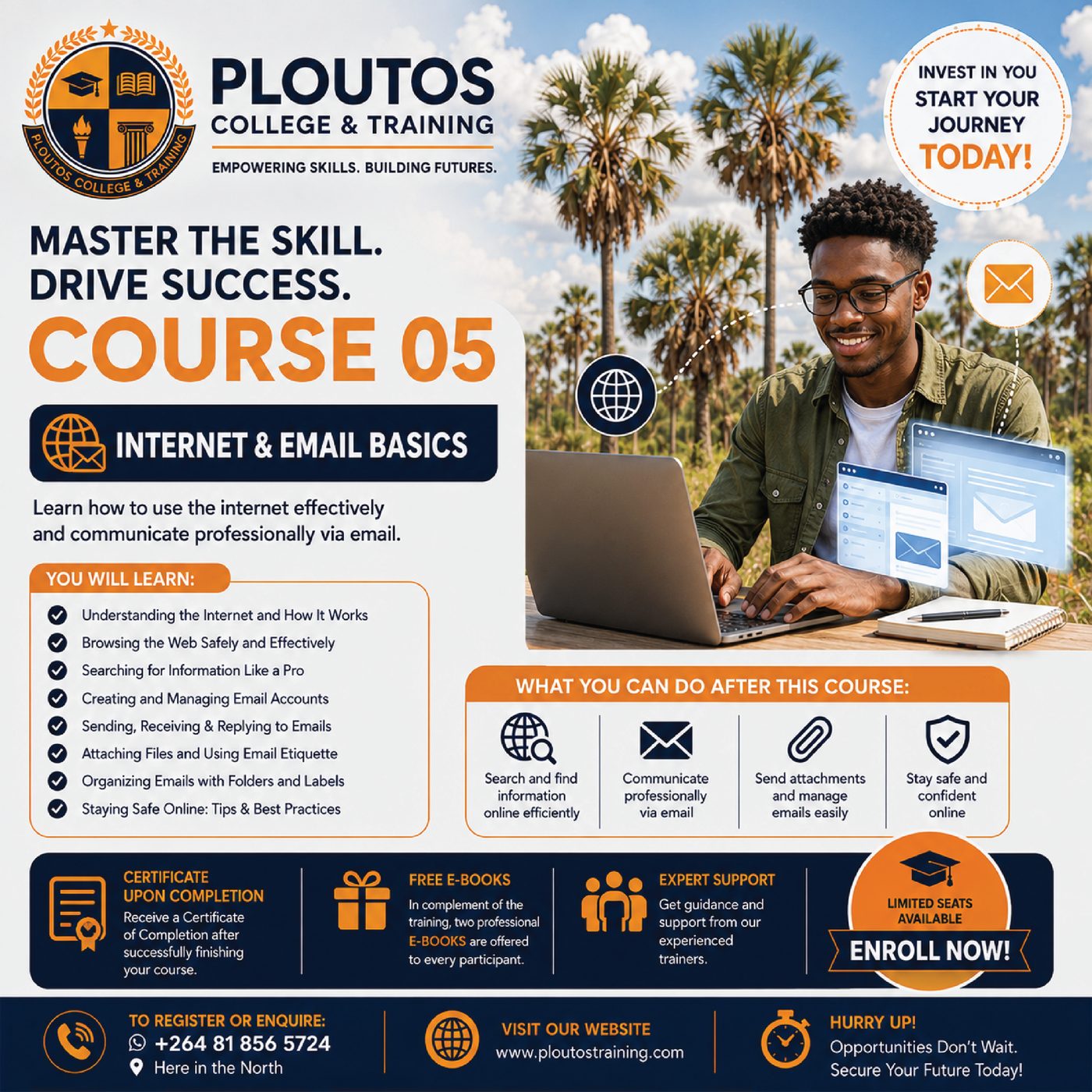
Course 5
Learn how to use the internet effectively, search for reliable information and communicate professionally through email while staying safe online.
View course
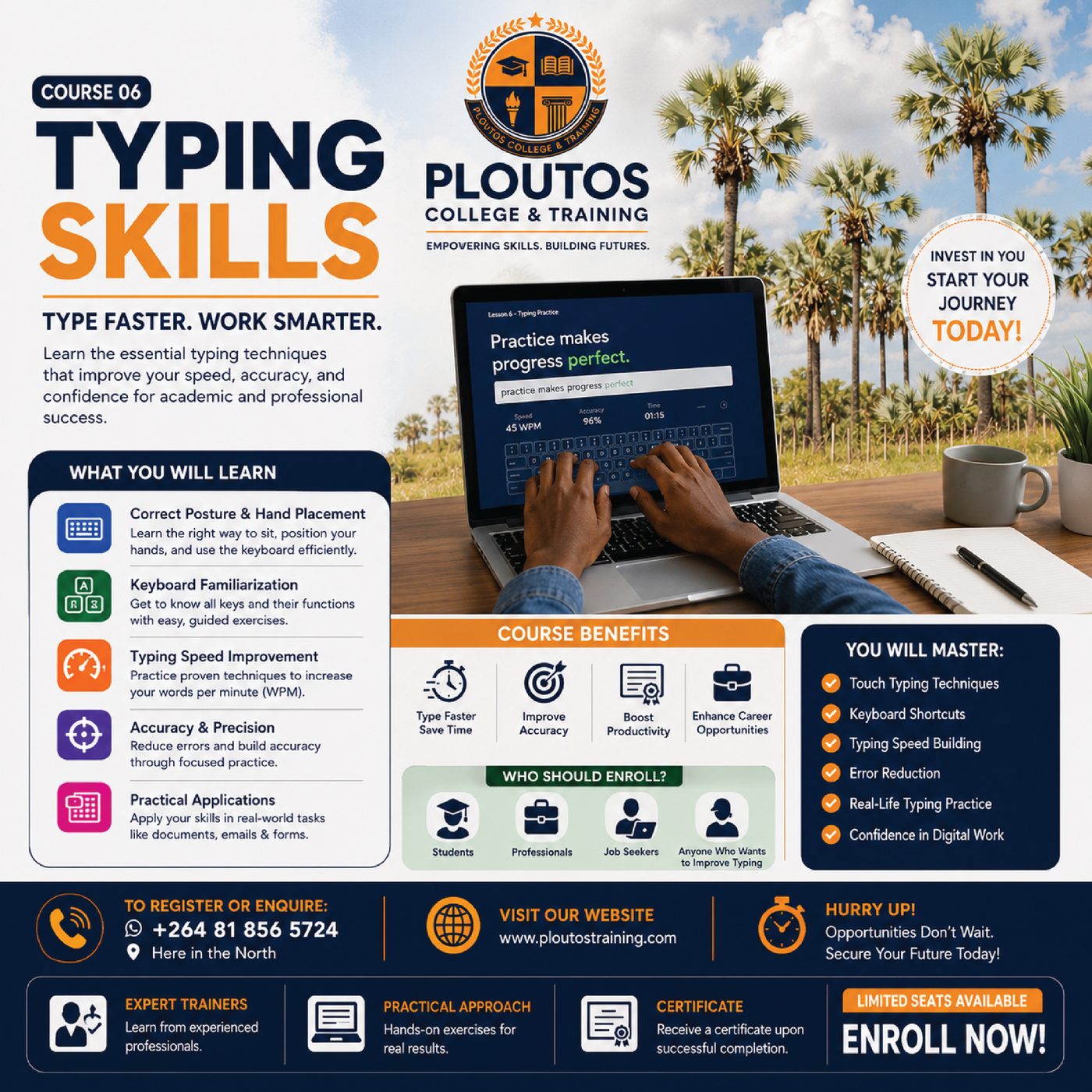
Course 6
Improve typing speed, accuracy and confidence through correct posture, touch-typing technique, keyboard familiarity and practical drills.
View courseOnline applications and student account registration.
Course curriculum, 120 lessons and practical activities.
Built-in final knowledge checks with a 70% pass mark.
Automatic certificates with unique verification numbers.
Students can create an account, enrol, track lesson progress, continue where they left off, review quiz results and print certificates when a course is complete.


Your digital learning campus is ready.
Limited seats may apply to supported cohorts. Register online and begin building skills for your future.